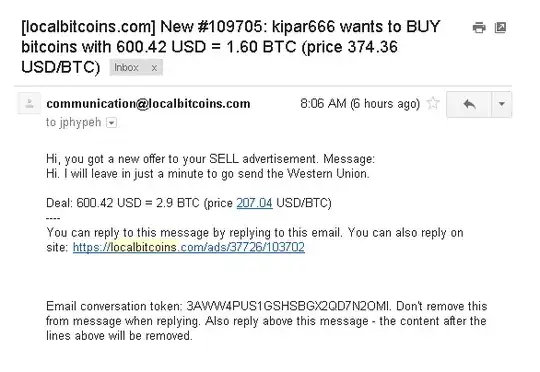
LocalBitcoins provides two-factor authentication which protects you against all kinds of phishing attacks. Even if the attacker gains access to your password by phishing link or malware (e.g. infected Windows machine), they cannot access your one time codes needed to login and do transactions.
LocalBitcoins recommends you to enable two-factor authentication on your Wallet page (if you have bitcoins) and every time in your user profile navigation bar unless it is enabled.
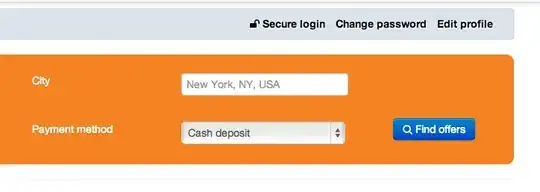
There are two different methods for two-factor authentication
Mobile app (Google Authenticator) - works on iPhone, Android and other smart phones
Paper codes (you print a set of one time codes)
Both options can be enabled from the link shown in the screenshot above, or from this direct link. For both options, you need to also make sure you have a proper backup as in the case you lose access to your mobile phone with two-factor authentication app you cannot no longer login to LocalBitcoins.
To receive the email in the question the user probably has published email in an advertisement, LocalBitcoins forums or given it to a malicious trader. LocalBitcoins recommends you do not do communications or trade deals off-site outside LocalBitcoins messaging system.
In the case you have already given your password to a phishing site